MemberPress Review [Read This Before Deciding]Are you looking to create and grow an online membership business? MemberPress provides a suite of tools that can help you bring in customers, deliver courses and other types of digital content, manage memberships, and more. I'm an online course maker, with plenty of experience selling digital products. This WordPress membership plugin can be a great choice for many businesses. With my MemberPress review - which covers features, integrations, and pricing - find out if it's right for you.  MemberPress review - quick summaryIf you want to monetize digital content on WordPress, MemberPress is an excellent choice. It has a wide range of features, and very affordable pricing, starting at under $30/month. Plus, you can try it risk-free for 14 days, with a full, money-back guarantee. I recommend you visit their site and give it a shot: 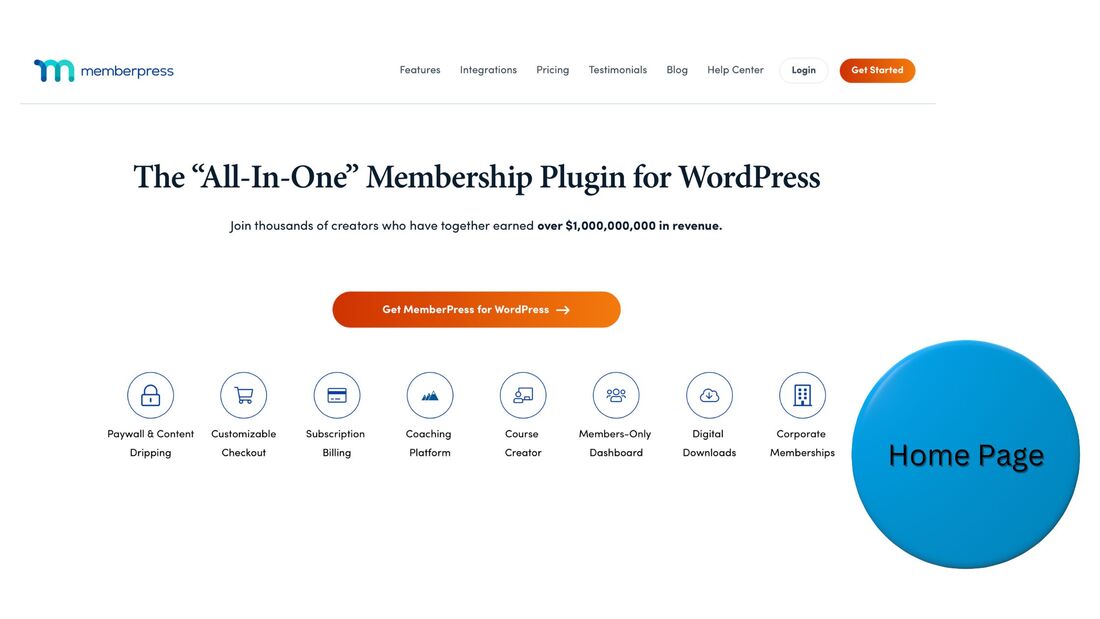 MemberPress - who is it for?MemberPress is for businesses of any size that want to sell digital content for a monthly subscription fee. It's ideal for online course creators, makers of premium PDF or audio files, and organizers of private online communities. The platform works as a WordPress plugin. If you want to start a membership business, but not on WordPress, you should look into a MemberPress alternative, such as Skool. MemberPress key features
Do any of these features seem like they could help your business? Then try MemberPress risk-free. MemberPress integrationsMemberPress integrates with a variety of sales and marketing tools. Here are just some of your options: Are you already using any of these tools? Think you can get more out of them by also selling memberships? Then try MemberPress risk-free. MemberPress pricing
To learn more about each plan, and try MemberPress risk-free, just visit their site. MemberPress - frequently asked questionsWhat is MemberPress used for?MemberPress is a plugin you can use to create a membership site on WordPress. Clients can pay a monthly subscription fee to access premium digital content, such as courses, audio files, forums, and more. Is MemberPress easy to use?Yes, MemberPress is easy to use. You don't need any background in computer programming or graphic design to create a premium-content business with MemberPress. Add and customize your brand's content with a simple WordPress editor. Is the MemberPress plugin free?No, the MemberPress plugin is not free. However, you can try it for 14 days risk-free with a full, money-back guarantee. After the trial, the price is very affordable, starting at under $30 per month. Access features for landing page creation, online course management, and more. Does MemberPress have a free trial?No, MemberPress does not have a free trial, however, they do have a risk-free, 14-day guarantee. Once you subscribe to a plan, which start at under $30 per month, you can try it for up to 14 days, cancel if you'd like, and get a full refund. How do I get started with MemberPress?To get started with MemberPress, you first need a domain managed with WordPress, and hosting. Then, simply visit the MemberPress website, purchase the plugin, and install it within your WordPress site. Once installed, MemberPress will guide you through adding your content. How much does MemberPress cost?MemberPress offers four plans, paid for annually, which come out to about $30, $50, $67, and $83 per month. As plans rise in price, so do the amount of features they have and the number of domains they can be used with. What are some MemberPress alternatives?Some MemberPress alternatives are Skool, Circle, and Kartra. You can build a paid online community with all of them. These platforms can be used outside of WordPress, however, they are more expensive than MemberPress. How do I sell digital content online?To sell digital content online, you need to put the content behind a paywall, which you can do with a membership tool like MemberPress. You then need to market your content. A popular strategy is offering free videos and other kinds of posts on social media to drive interest in paid conversion. Try MemberPress risk-freeIf you want to sell an online course or other type of premium content on WordPress, you should definitely give MemberPress a try. You have nothing to lose with the 14-day, money-back guarantee. This post contains affiliate links.
0 Comments
Leave a Reply. |
 RSS Feed