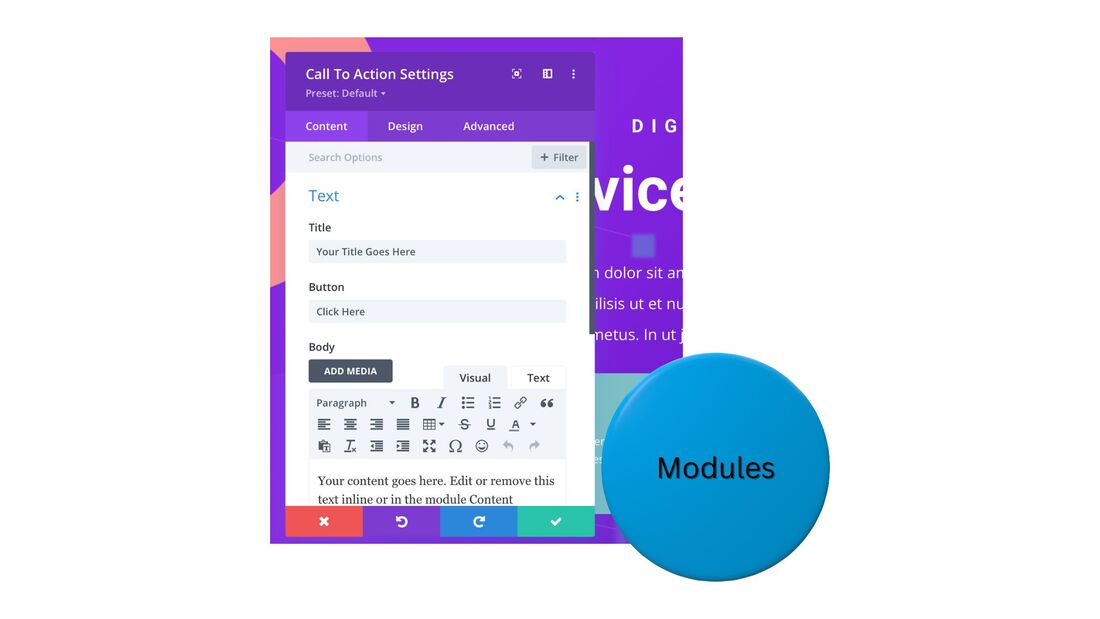
Divi Review - WordPress [Read This Before Deciding]Are you looking to create and grow a website on WordPress? Divi is a website-builder tool that comes with the world's most-used premium WordPress theme. It can be a great choice for many businesses. In my Divi review, find out if it's right for yours. I go over features, integrations, and pricing.  Divi review - quick summaryDivi instantly enhances the website-builder tool that comes with WordPress. You can browse pre-built templates and customize them with a drag-and-drop editor, even if you have no programming or graphic-design experience. Plus, Divi is very affordable. Plans start at less than $6/month. You can try Divi risk-free, with a 30-day, money-back guarantee. Divi - who is it for?Divi is for anyone who wants to start an online business, taking advantage of the power of WordPress, particularly, its vast plugin library. Divi is for individuals or small teams. It's also for small agencies that need an efficient solution for building multiple websites for multiple clients. Divi - who is it not for?Divi is not for businesses that want to build an online presence outside of WordPress. It's also not for large teams or agencies that plan to have many user accounts with different permission levels. Divi - core featuresTemplate libraryDivi offers over 300 website templates, known as layout packs. These packs are designed for specific types of businesses. Sort the template library by category, choose one that's a fit for your brand, and easily customize it.  Visual, drag-and-drop page editorAccess a simple, drag-and-drop editor to update any page's content. Quickly rearrange content blocks, delete any you don't want, and insert new ones where you need them. As you edit, preview changes in real time. 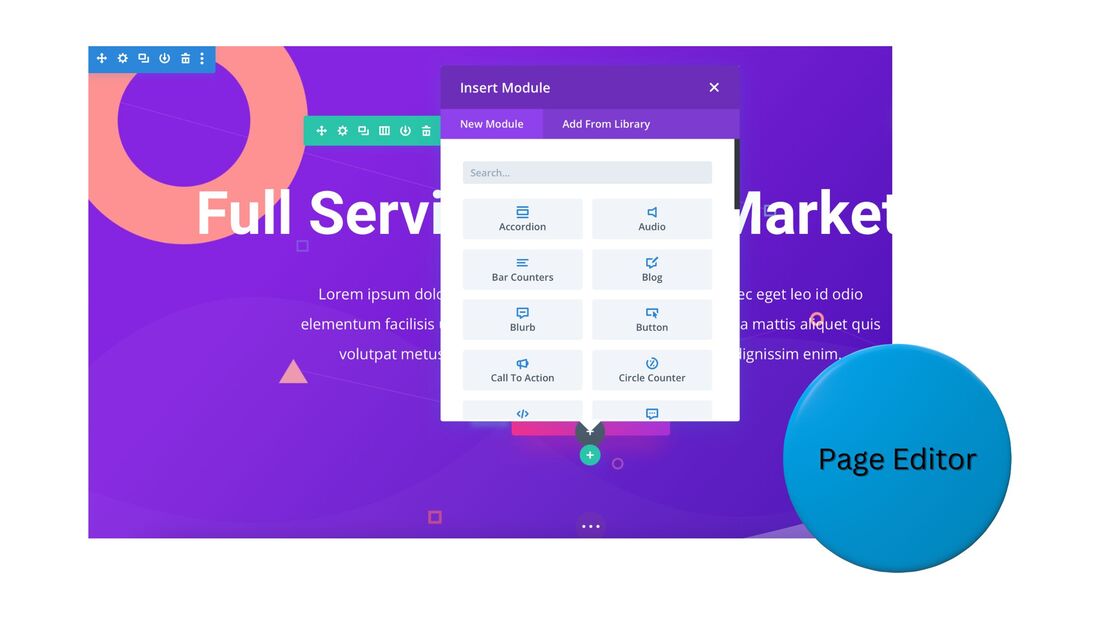 Re-usable design elementsEstablish global design settings for your website, which will automatically appear on new pages. Any custom elements you create can be saved and instantly applied to other pages.  Website modulesDivi offers hundreds of website modules you can add to your site and quickly customize. Some examples:
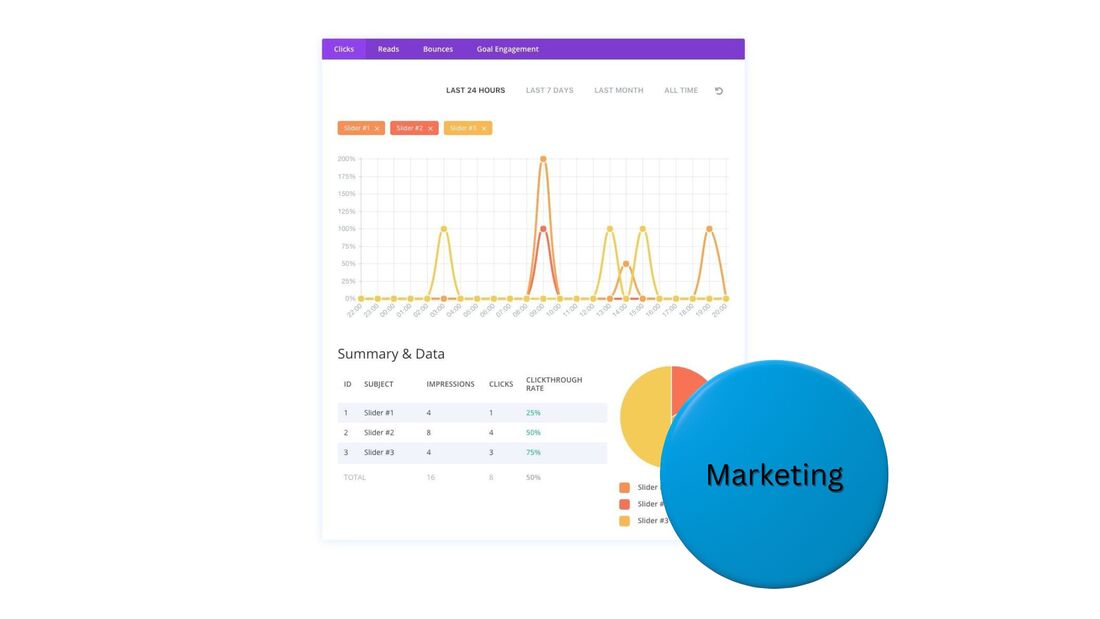
 Does Divi seem right for you? Try it risk-free to see for sure. E-commerceDivi directly integrates with WooCommerce, a free, robust e-commerce platform for WordPress. Sell an unlimited number of products with an online store. Customize the design of product and checkout pages. 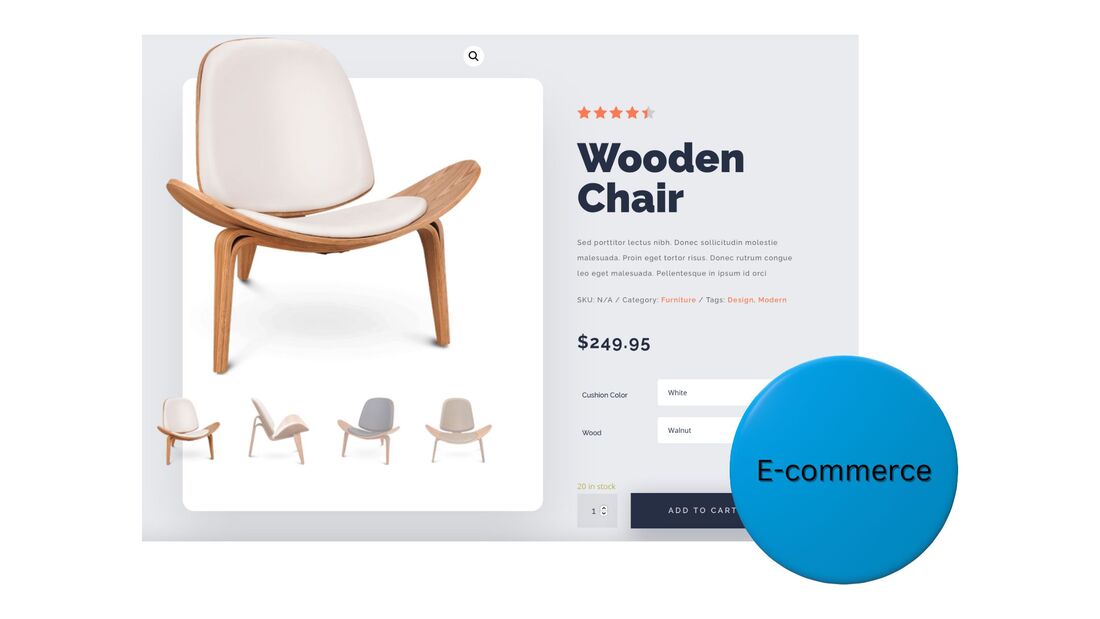 Responsive designResponsive design is automatically built into all Divi websites. Create one version of your site and Divi will take care of optimizing it for desktop, tablet, and mobile viewers. Easily preview your site for all three varieties. 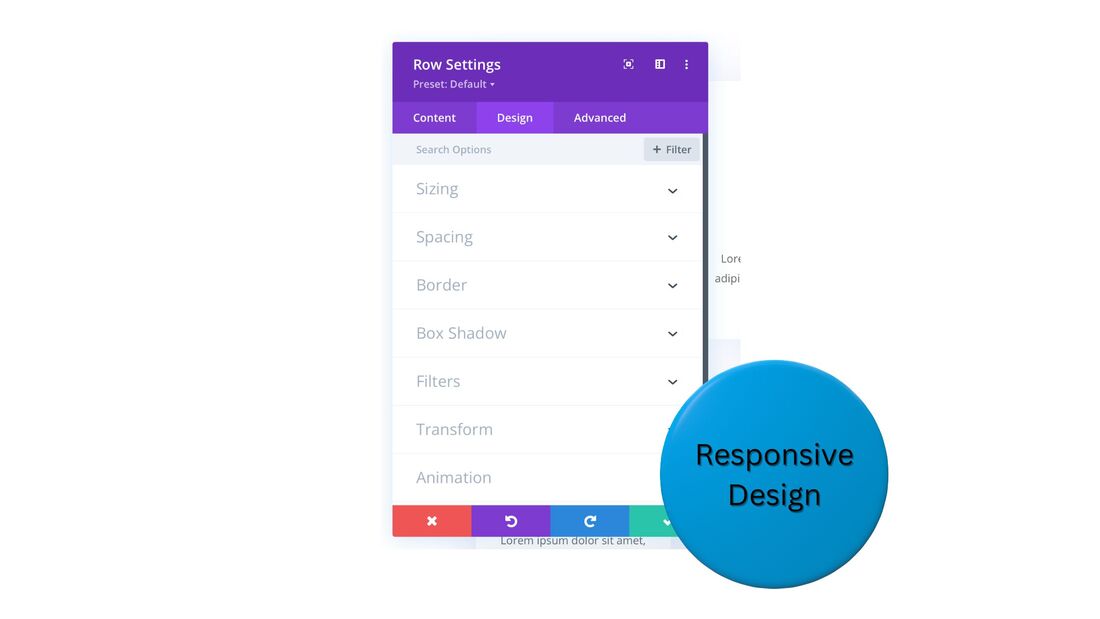 MarketingDivi offers various capabilities to improve your online-marketing presence, such as:
 Divi - integrationsYour Divi site will work with almost every WordPress plugin. Divi also has direct integrations with certain systems, which provide for a seamless experience. As mentioned, WooCommerce directly syncs with Divi. Some other notable integrations, for membership portals, email marketing, and CRM: Divi - pricingDivi offers an annual-subscription plan, and a lifetime-ownership plan, each with three tiers. Divi annual plan
Divi lifetime plan
The Pro and Agency versions come with unlimited storage. Agency also has VIP support and up to eight team-member accounts. Divi's pricing is very affordable compared to alternatives on the market. A Squarespace Advanced Commerce plan, for instance, costs $588 per year. For less than that, you can get access to Divi for life. Ready to give Divi a try? Divi - frequently asked questionsIs it worth buying Divi?Yes, buying Divi is recommended, if you want to build a website on WordPress. Divi's pre-designed templates and modules, and drag-and-drop editor, enable you to create a great WordPress site, quickly. The time you'll save is well worth Divi's modest cost. What is Divi good for?Divi is good for creating a quality website, even if you don't have computer-coding or graphic-design experience. Choose a template that's a fit for your industry and easily customize it with a drag-and-drop editor. Add landing pages, e-commerce, and integrate with email marketing tools, and more. What is the annual fee for Divi?Divi offers three tiers of its annual plan - Standard at $67/year, Pro at $211/year, and Agency at $286/year. Divi also gives you the option to pay a one-time fee for lifetime access to any of these tiers. What are the disadvantages of the Divi theme?Divi is a robust WordPress theme, however, unlike some other site-builder platforms, it does not offer a full suite of sales and marketing tools. You can, though, easily integrate these capabilities into your Divi site with its various partner apps, such as WooCommerce, ConvertKit, and MemberPress. Is Divi beginner friendly?Yes, Divi is beginner friendly. You can launch a website on Divi even if you don't have any computer-programming or graphic-design experience. Divi's pre-built templates and modules, plus its drag-and-drop page customizer, make building a site very simple. Try Divi - 30-day, money-back guaranteeIf Divi seems like a good match for your business, you should try it risk-free to be sure. Take advantage of the 30-day, money-back guarantee. This post contains affiliate links.
0 Comments
Leave a Reply. |
 RSS Feed